 UpsizeBuy $2.99
AI image upscaler for Mac
Small pictures,
made big and sharp.
Upsize redraws your photos and art at two or four times the size with AI that runs right on your Mac. No uploads. No subscription.
$4.99 $2.99 launch price · one-time · 5 pictures free to try
macOS 14 Sonoma or later · Apple silicon or Intel

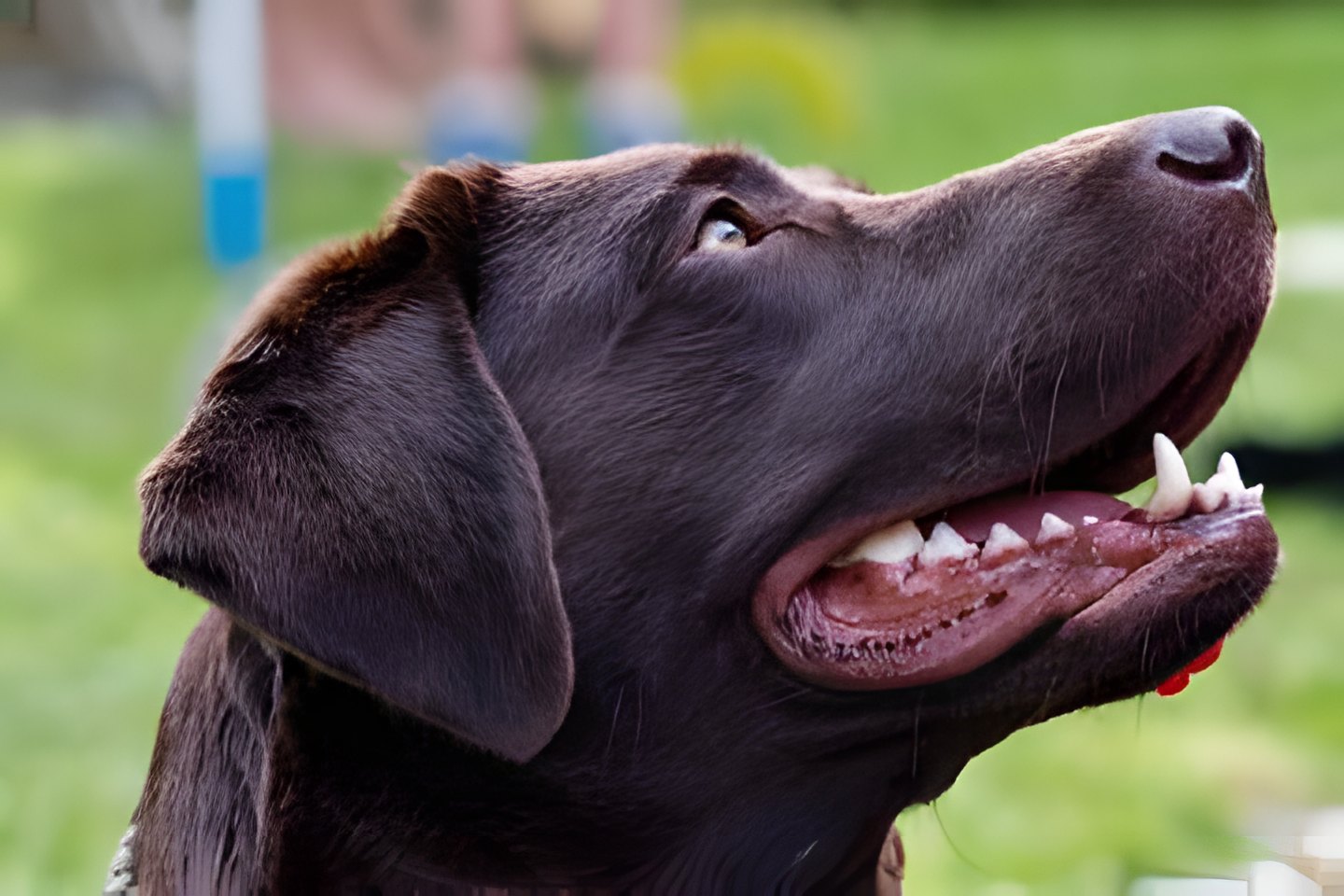
Drag the line. Left: Upsize 4×. Right: the original, stretched.
See for yourself.
Every example is a real 360 × 240 JPEG, upscaled 4× by Upsize on a MacBook. Nothing retouched.
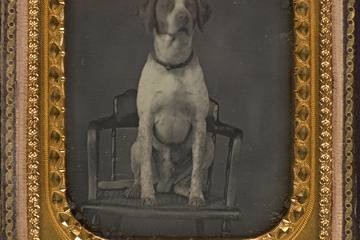
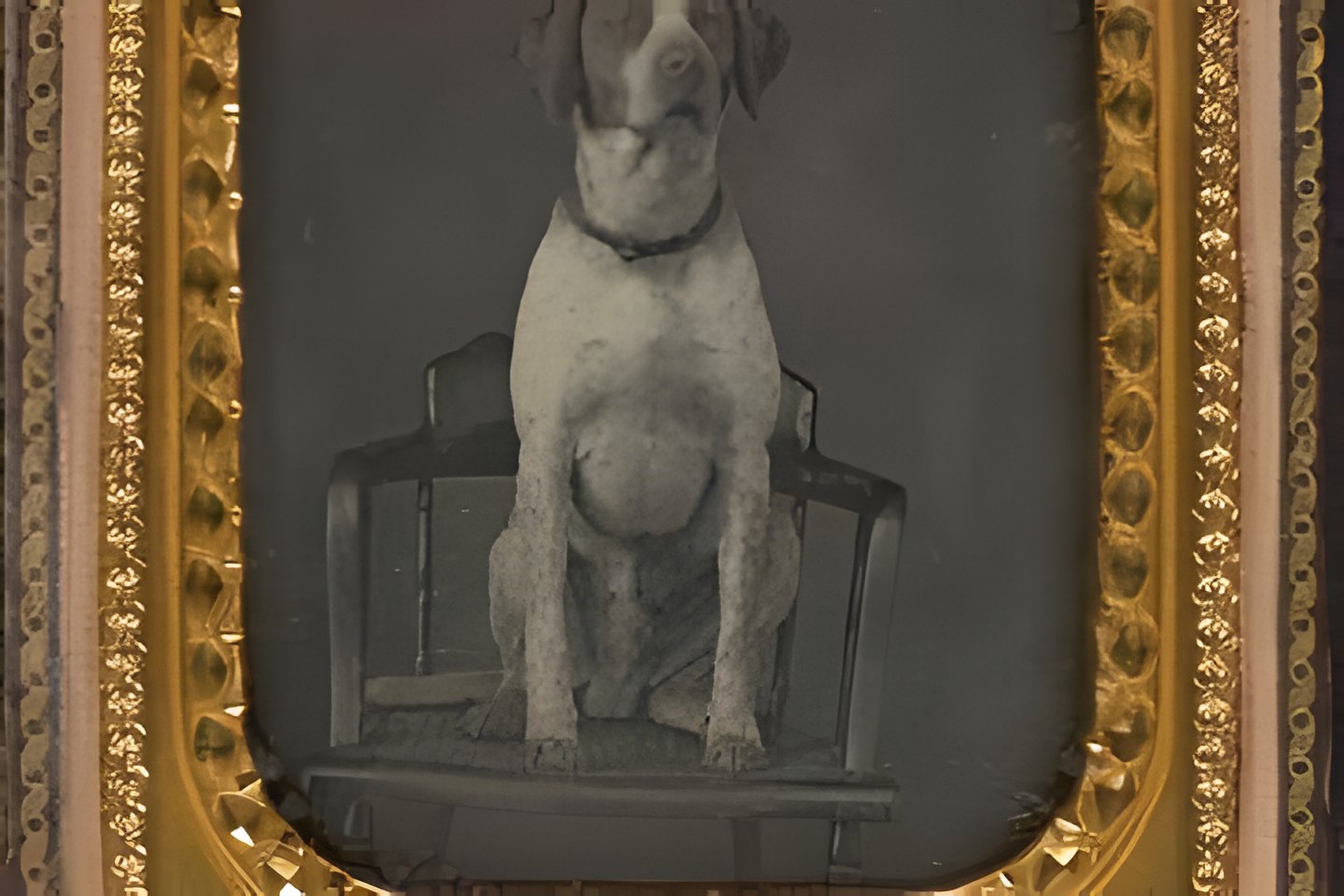
Two minutes to learn it.
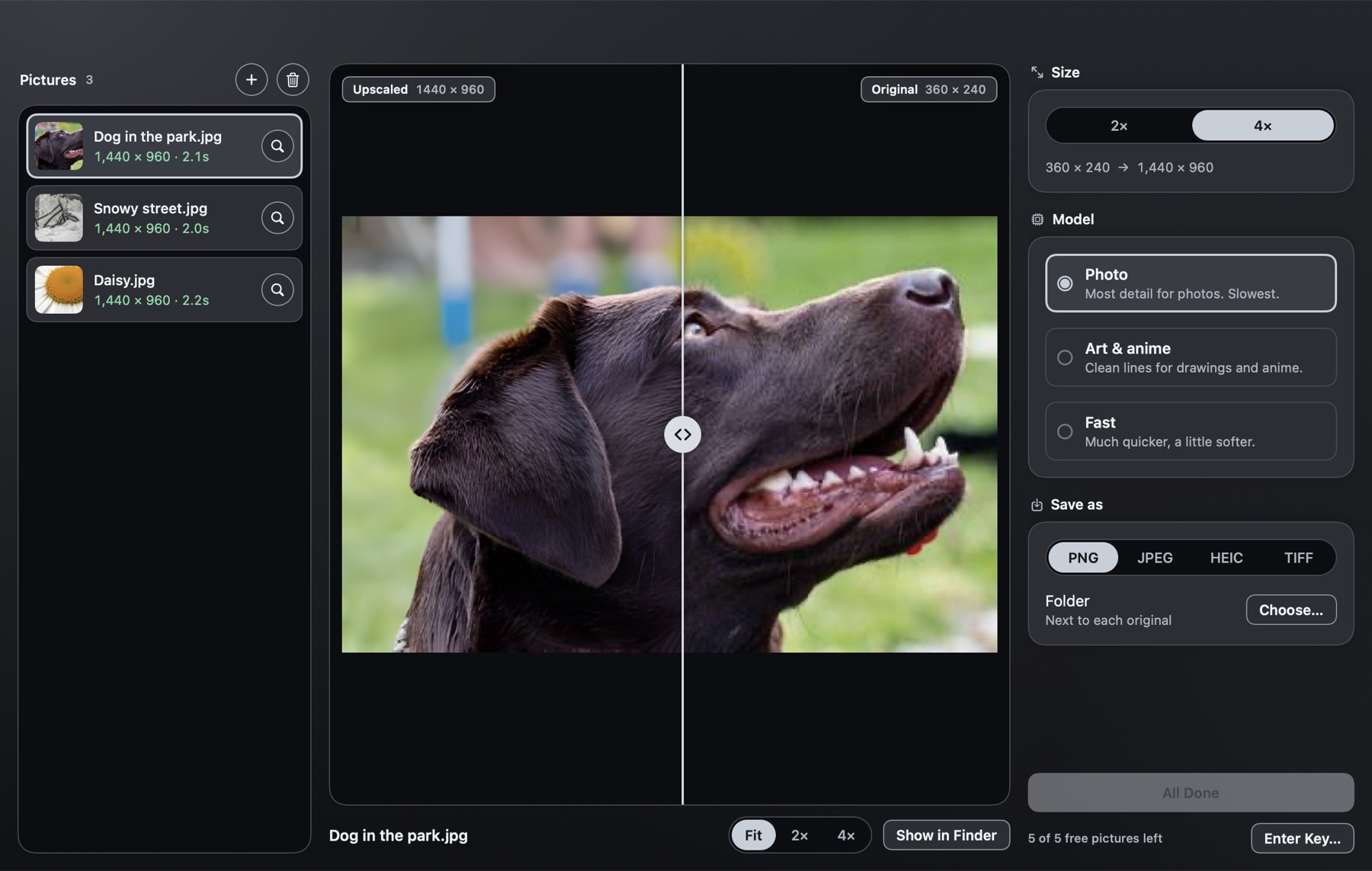
Drop, choose, upscale, compare. That’s the whole app.
- 1Drop picturesA few photos or a whole folder, onto the window.
- 2Pick size and model2× or 4×; Photo, Art & anime, or Fast.
- 3Upscale and compareDrag the slider; the files are already saved.
Made for the Mac.
A native app, not a web page in a box. Small, fast, and it looks the part.
Private by design
The AI runs on your Mac. No uploads, no account, no cloud queue. Works on a plane.
Neural Engine fast
Native Core ML on Apple silicon. A typical photo is done in a second or two.
Whole folders
Drop a folder and Upsize works through every picture in it, subfolders too.
2× or 4×
Up to four times the width and height: sixteen times the pixels.
Three AI models
Photo for detail, Art & anime for clean lines, Fast for big batches.
Keeps transparency
PNG logos and stickers stay see-through. Saves PNG, JPEG, HEIC or TIFF.
One price. Yours to keep.
Other Mac upscalers charge $10 or more, or a monthly fee. Upsize doesn’t.
One-time payment. Licence key by email, instantly.
- Unlimited pictures, 2× and 4×
- All three AI models
- Batch whole folders
- Use on up to 3 Macs
- Free updates for version 1
- 14-day money-back promise
Try 5 pictures free first. Secure checkout by Dodo Payments.
Questions
Does Upsize upload my pictures?
No. The AI runs on your Mac, on the Neural Engine and GPU. Your pictures never leave it. The only time Upsize goes online is to check your licence key, about once a week.
Which Macs does it run on?
Any Mac with macOS 14 Sonoma or later, on Apple silicon or Intel. On Apple silicon (M1 and later) it's fast: a typical photo takes a second or two. Intel Macs have no Neural Engine, so it's slower there and starts on the Fast model.
Can I try it before I buy?
Yes. Download it and upscale 5 pictures free, at full quality, no watermark. Buy a key when you want more.
How does the licence work?
Pay once and you get a licence key by email straight away. Paste it into Upsize and it's unlocked for good. One key works on up to 3 Macs; “Use on Another Mac” in the Upsize menu frees a slot. No subscription.
macOS says it can't check Upsize for malicious software. What do I do?
Upsize isn't on the App Store yet, so the first time you open it macOS asks you to confirm. Open System Settings → Privacy & Security, scroll down, and click Open Anyway next to Upsize. You only do this once.
Which model should I pick?
Photo gives the most detail on real photos. Art & anime keeps drawings, cartoons, logos and screenshots clean. Fast is several times quicker and a little softer: good for big batches.
How big can the pictures be?
Any size your Mac's memory allows, up to 32,000 pixels on a side for the result. Big pictures are cut into tiles, upscaled, and sewn back together with no seams.
What file types does it handle?
It reads PNG, JPEG, HEIC, TIFF, WebP, BMP, GIF and AVIF, and saves PNG, JPEG, HEIC or TIFF. Transparency in PNGs is kept.
Can I get a refund?
Yes. If Upsize doesn't work for you, write to [email protected] within 14 days of buying and you get your money back.
Where does the AI come from?
Upsize uses the Real-ESRGAN models by Xintao Wang and colleagues (BSD-3-Clause licence), converted to run natively in Core ML. The app around them is our own.
Something else? Write to [email protected].